
GTD – Back to basics 6 – The round-up
In this post we round-up all of the previous articles in this series. Read on to see how you can use Getting Things Done to manage your tasks and time effectively
We’ve covered how you capture all the “stuff” that’s going on around you; what Contexts and Next Actions are, how to manage your project list and the Weekly Review. So what else is there to tell you?
GTD Isn’t just for Geeks!
Shocking, I know!
GTD does have a big following amongst the “geekier” elements on the Internet (and I obviously include myself in that!). I don’t know why; maybe we’re just more disorganised or seem to operate in the same online circles but what’s important to remember is that GTD can be used by everyone from the stay-at-home mum, the artist, teacher to the CEO of a multinational company.
GTD Isn’t Rocket Science!
It’s just a simple process for looking at everything and anything that may be bugging you and viying for your attention, providing a context (or setting) for it.
GTD Isn’t set in stone
Feel free to mess about with it. Heck, I hacked it to pieces to suit me! Add, remove or combine contexts tio your own situation and way of thinking. Use online/offline/paper systems or all 3, whatever you feel comfortable with.

The important thing to remember is to do whatever you feel happiest with. If you’re not happy with the system then you’re not going to work with it to its full extent and you certainly won’t feel the benefits.
GTD Can help you with more than being just organised!
Since I’ve started practicing GTD I’ve noticed several benefits. Firstly I’m sleeping better. No more am I waking up at 3 a.m thinking “Argh! I was supposed to give that file to Joe.” I know that I’ve written it down and it’ll get done.
Another benefit is that as I get things done, people ask me to er… do things! That may sound like I’m adding extra “stuff” an overloading myself but because I’m organised it doesn’t really bother me too much!
Recommended Reading
Here are a few websites/blogs/feeds that you should check out if you’re interested in reading more:
- Mark Forster – Procrastination and Productivity
- DIY Planner – Downloadable Next Action Lists, Project lists etc.
- LifeClever – GTD Tips/Productivity and tricks
- Black belt productivity – – GTD Tips/Productivity and tricks
- The Productvity Show – Productivity Podcast
- GTD Wannabe – GTD Tips/Productivity and tricks
Plus, don’t forget to check out all of the posts in the GTD: Back to basics series:
- GTD – Back to basics 1 – Collecting stuff
- GTD – Back to basics 2 – Processing your stuff
- GTD – Back to basics 3 – Contexts and Next Actions
- GTD – Back to basics 4 – Projects
- GTD – Back to basics 5 – The Weekly Review
Bonus Getting Things Done Download
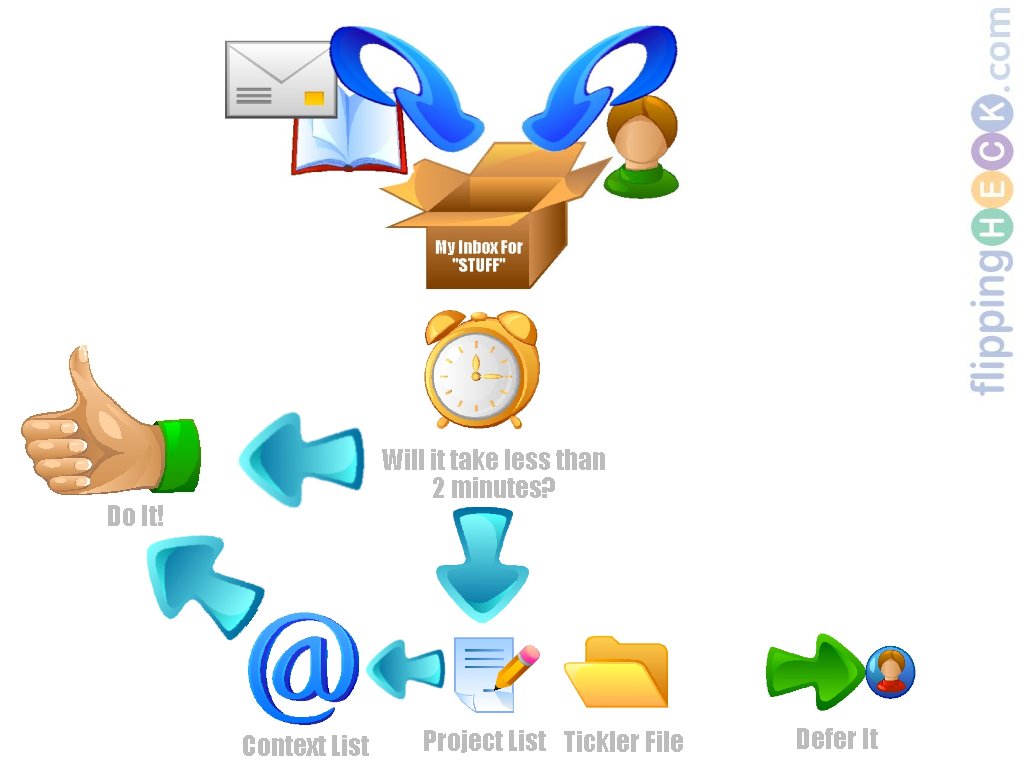
Because I’m nice (ahem!) here’s some wallpaper for you to remind you of the processes we’ve discussed in this series:
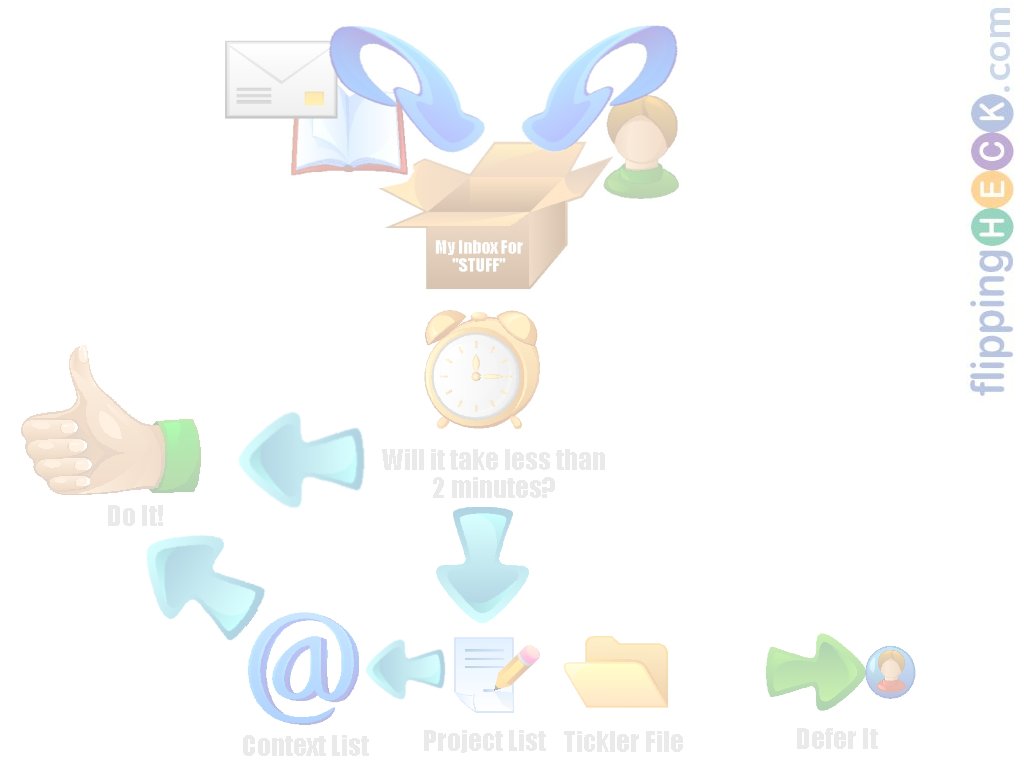
You can download the wallpaper in two versions (both 1024×768):
- Follow Katy Whitton on:

Hello, all the time i used to check web site posts here in the early hours in the break of day, as i love
to learn more and more.
Thank you for the good writeup. It in fact was once a entertainment account it.
Glance advanced to more introduced agreeable from you!
However, how could we communicate?
Hey there! Quick question that’s totally off topic. Do you know how to make your site mobile friendly?
My site looks weird when viewing from my iphone.
I’m trying to find a theme or plugin that might be able to resolve this
issue. If you have any suggestions, please share.
Thanks!